
In this post, we will see about TypeError: String Indices Must be Integers in Python.
You can access the characters of string by its index. Each index specifies the position for the character.
For example:
Let’s say you want to print 3rd element of the String 'Java2blog', you can use str1[2].
str1 ="Java2blog"
print(str1[2])
Output:
v
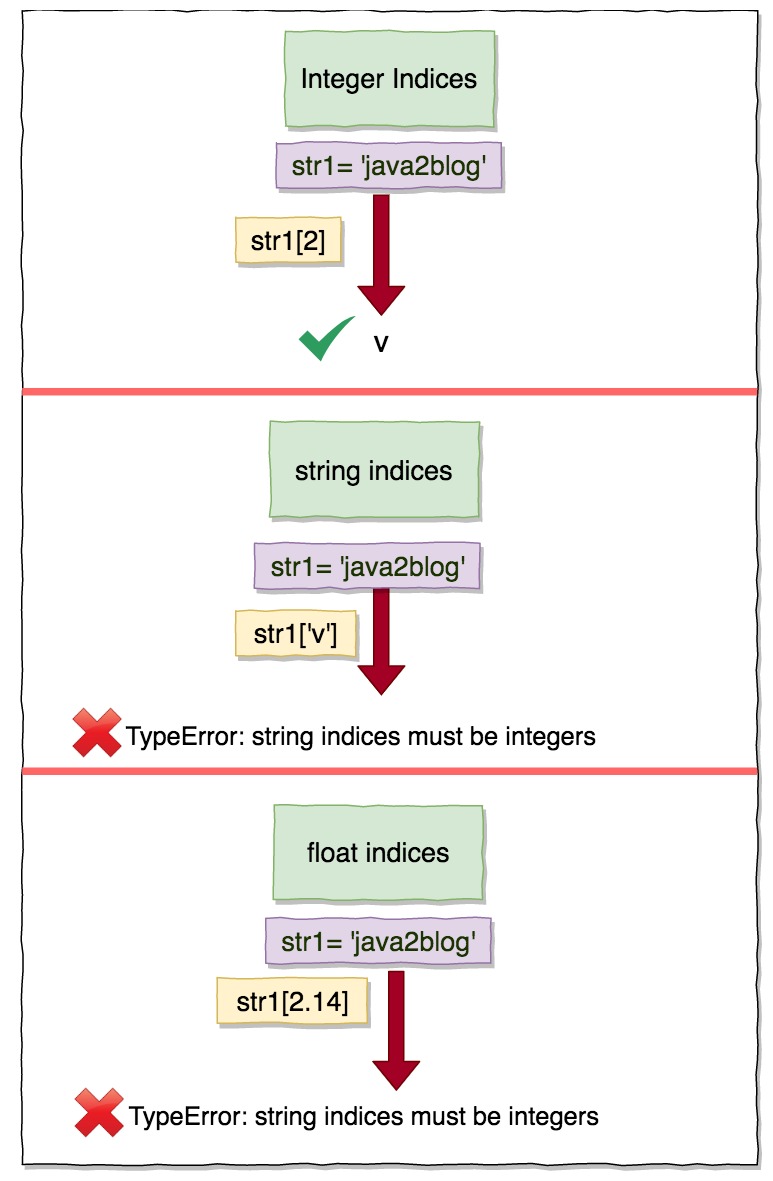
If you provide string or float value to indices, you will get TypeError: String Indices Must be Integers
For example:
str1 ="Java2blog"
print(str1['2'])
Output:
---------------------------------------------------------------------------
TypeError                                 Traceback (most recent call last)
 in
      1 str1 ="Java2blog"
----> 2 print(str1['2'])

TypeError: string indices must be integers
To resolve this issue, you need to pass 2 rather than String '2'
You can not pass float also as indices in string.
Let’s see with the help of example.
str1 ="Java2blog"
print(str1[2.14])
Output:
---------------------------------------------------------------------------
TypeError                                 Traceback (most recent call last)
 in
      1 str1 ="Java2blog"
----> 2 print(str1[2.14])

TypeError: string indices must be integers
To resolve this issue, you need to pass 2 rather than String 2.14.
That’s all about TypeError: String Indices Must be Integers.
